

Running a website, Software as a Service (SaaS) product, online store, or app? Then you need terms and conditions: a vital legal document that can help protect your business and its revenue.
The challenge is that writing solid terms from scratch isn’t simple. You need legal expertise. And while you might avoid hiring a pricey lawyer by trying free templates or using AI, they often miss important clauses and nuances.
That’s why many businesses turn to a terms and conditions generator.
But not all generators are built the same.
In this guide, we’ll compare 6 of the best terms and conditions generators, so you can find one that’s right for you. And we’ll delve into the details of what you need to know about this important document along the way.
In short
- Terms and conditions generator comparison: at a glance
- What are terms and conditions?
- What’s the difference between terms and conditions, terms of use, and terms of service?
- Why do you need terms and conditions?
- What should you include in terms and conditions?
- What to look for in a terms and conditions generator
- The best terms and conditions generators
- Frequently asked questions
- Choose terms that grow with your business
If you use Claude or ChatGPT, you can now draft your terms by asking. iubenda’s connector handles it in the same chat. See how it works
Terms and conditions generator comparison: at a glance
| iubenda | Complianz | Enzuzo | Termly | Shopify | TermsFeed | |
|---|---|---|---|---|---|---|
| Tailored to your business model | Yes, adapts to your business type | Yes, adapts to your business type | Template-based, not tailored | Limited, template-based | Template-based, not tailored | Limited, template-based |
| Legal expert backing | Written and maintained by legal experts | Written and maintained by legal experts | Yes | Yes | Yes | Not specified on website |
| Updates as laws evolve | Yes | Not available | Yes | Updates templates but not your document | Not available | Notifications only |
| Unlimited edits without republishing | Yes | Not available | Not available | Limited customization | Not specified | Requires payment |
| Multi-language support | Included | Included | Included | Included | Limited | Limited |
| Compliance coverage | T&Cs, privacy policies, cookie consent, accessibility, and more in one platform | T&Cs, cookie consent, and privacy policies for WordPress/Shopify | T&Cs and privacy management for e-commerce | T&Cs and consent management | T&Cs for Shopify stores | T&Cs and basic legal document generation |
| Recommended for | Businesses of all sizes and industries | WordPress users | E-commerce businesses | Businesses that need a basic document without deep customization | Shopify users | Businesses that need a basic template-driven document |
What are terms and conditions?
Terms and conditions are a legal agreement between you and the people who use your website, app, or service. They outline how your service works, what you expect from users, and what happens if someone breaks the rules.
By using your website or service, users typically agree to these terms. That agreement forms a contract. And that contract helps protect your intellectual property, clarify responsibilities, and reduce the risk of disputes.
Terms and conditions exist to protect your business and its revenue while setting clear expectations for your users.
What’s the difference between terms and conditions, terms of use, and terms of service?
Terms and conditions, terms of use, and terms of service all refer to the same type of legal agreement between a business and its users. The names are interchangeable.
You might also see them referred to as:
- Terms of Service (ToS)
- Terms of Use
- End-User License Agreement (EULA)
- General Conditions
- Legal Notes
Why do you need terms and conditions?
Terms and conditions might not be a requirement, depending on where your business operates. But that doesn’t mean you should skip them.
Because terms and conditions form a legally binding contract that can reduce legal risk and protect your business and its revenue if disputes arise. Without clear terms in place, you leave room for confusion around payments, refunds, intellectual property, liability, and more.
What’s more, a proper terms and conditions document adds to your credibility, increasing brand trust. And it sets clear expectations which create a smooth customer journey, contributing to more conversions.
What should you include in terms and conditions?
Your terms and conditions should be easy to find and simple to understand. What you include will depend on your business model. A SaaS platform won’t need the same clauses as a blog, for example. But most businesses should cover the following:
- Your business details
- A description of your services
- Conditions of using your website and services
- Payment terms
- Refunds and cancellations
- Intellectual property
- Limitation of liability and disclaimers
- Service interruptions
- Applicable law
What to look for in a terms and conditions generator
A strong terms and conditions generator should:
Build terms and conditions around your business, not a generic template
The best terms and conditions generators will guide you through relevant questions and build your terms around your answers. Whether you run subscriptions, sell digital products, ship physical goods, or allow user-generated content, your document should reflect those nuances.
That’s why copying a generic template from the internet isn’t enough. Templates often miss important clauses or include provisions that don’t apply to your setup. And when your document doesn’t match your business model, you create gaps that can weaken your protection.
Include the essential clauses
Your generator should automatically cover the key areas most businesses need, such as payment terms, cancellation rules, limitation of liability, intellectual property, and applicable law.
The best terms and conditions generators come with legal backing, so you don’t have to wonder whether you’ve missed something important.
Create a living document
Your business will evolve. You may update pricing, launch new services, expand into new markets, or change internal policies. And regulations in your country may change too.
That’s why a reliable generator shouldn’t just produce a one-off PDF. It should help you manage a living document that you can revise and republish as your business and local regulations shift.
The best terms and conditions generators
1. iubenda
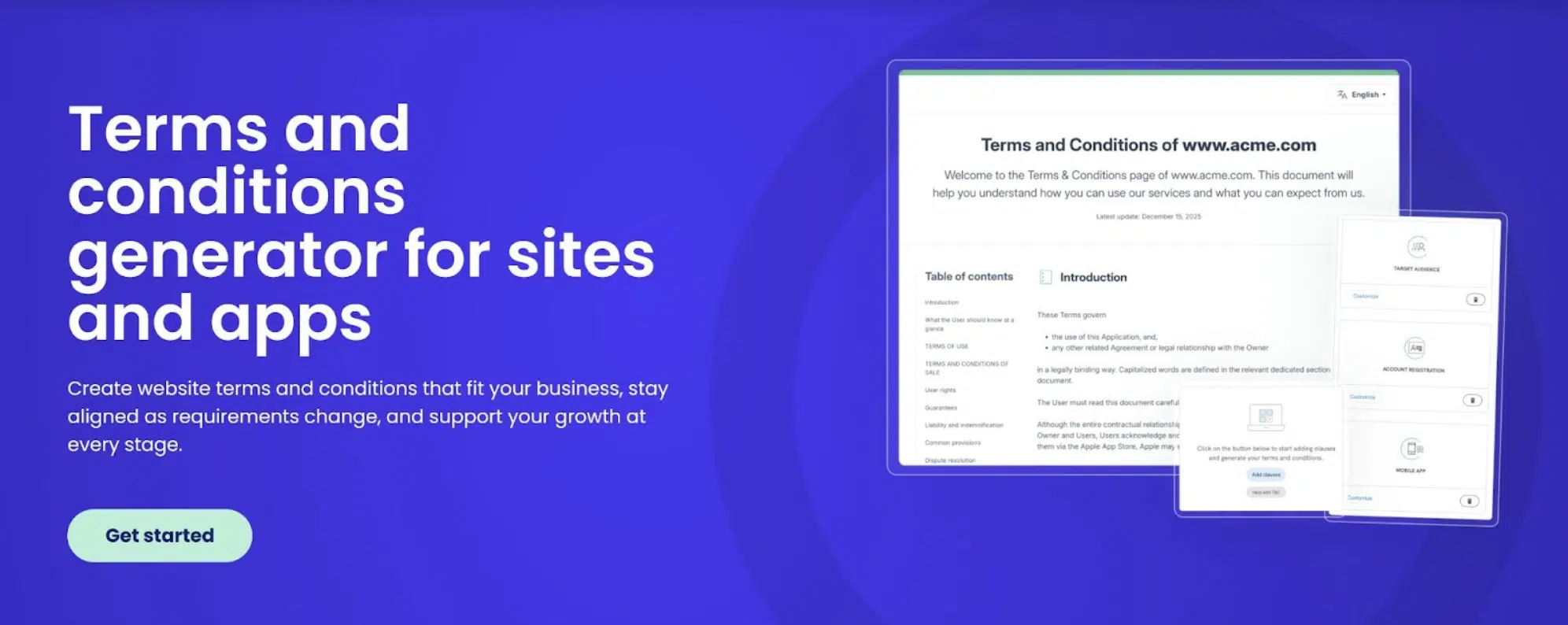
iubenda offers a Terms and Conditions Generator built to create a tailored, living document that matches your unique business setup.
Instead of relying on static templates, iubenda structures your terms around how your business actually operates. Whether you run an online store, SaaS platform, mobile app, or content website, you can generate a document that reflects your pricing model, service structure, and legal requirements.
And because iubenda forms part of a wider digital compliance suite, you can manage other legal documents, consent, and accessibility. All in one place.
Best for
Businesses, apps, and websites of all sizes and industries that want lawyer-backed terms that evolve as their operations grow.
Pros
- 100+ lawyer-written clauses designed for a wide range of business models
- Available in 15+ languages
- Terms update as laws evolve, no need for manual edits
- Unlimited edits that refresh your terms and conditions in real time, without needing to republish
- Guided setup tailored to your business
- Intuitive, user-friendly interface
- Thorough customization based on how your business operates
- Quick to generate and easy to edit
- Scales smoothly from small websites to complex, multi-product businesses
- Flexible enough for e-commerce, SaaS providers, apps, and content platforms
- Works for apps as well as websites
- Includes access to a responsive live support team
- Forms part of a wider all-in-one digital compliance suite
- 150,000+ customers trust the platform including Lamborghini, UNICEF, and Sony Music
Cons
- Requires a paid subscription
Pricing
- Paid plans start at just €19.99/month
What people say
Users find iubenda easy to use and praise the excellent customer support. People also highlight that it’s quick and makes generating legal documents easier.
2. Complianz
Complianz offers a standalone terms and conditions generator designed for WordPress users. You can use it on its own or alongside the full Complianz Cookie Consent plugin, depending on what you need.
The generator guides you through relevant questions and helps you produce a document that reflects how your business operates.
Best for
WordPress users who want an easy way to generate tailored terms and conditions directly within their website environment.
Pros
- Clauses that cover affiliate marketing, platforms like WooCommerce, digital and physical goods, and online services
- Multi-language support
- Simple, guided setup
- Allows you to create customized terms and conditions that reflect your business operations
- Quickly generates a thorough terms and conditions document
- Free to use
- Works independently or alongside the full Complianz Cookie Consent plugin
- Comes with backing from legal experts
Cons
- You need a paid subscription to their Cookie Consent plugin if you want access to more compliance tools
Pricing
- Free for the terms and conditions generator
- Paid plans for additional digital compliance tools start from €59/year (less than €5/month)
What people say
WordPress users have rated the plugin 4.9 stars, highlighting its speed, ease of use, and effectiveness. Many see it as a perfect companion to Complianz’s Cookie Consent plugin.
3. Enzuzo
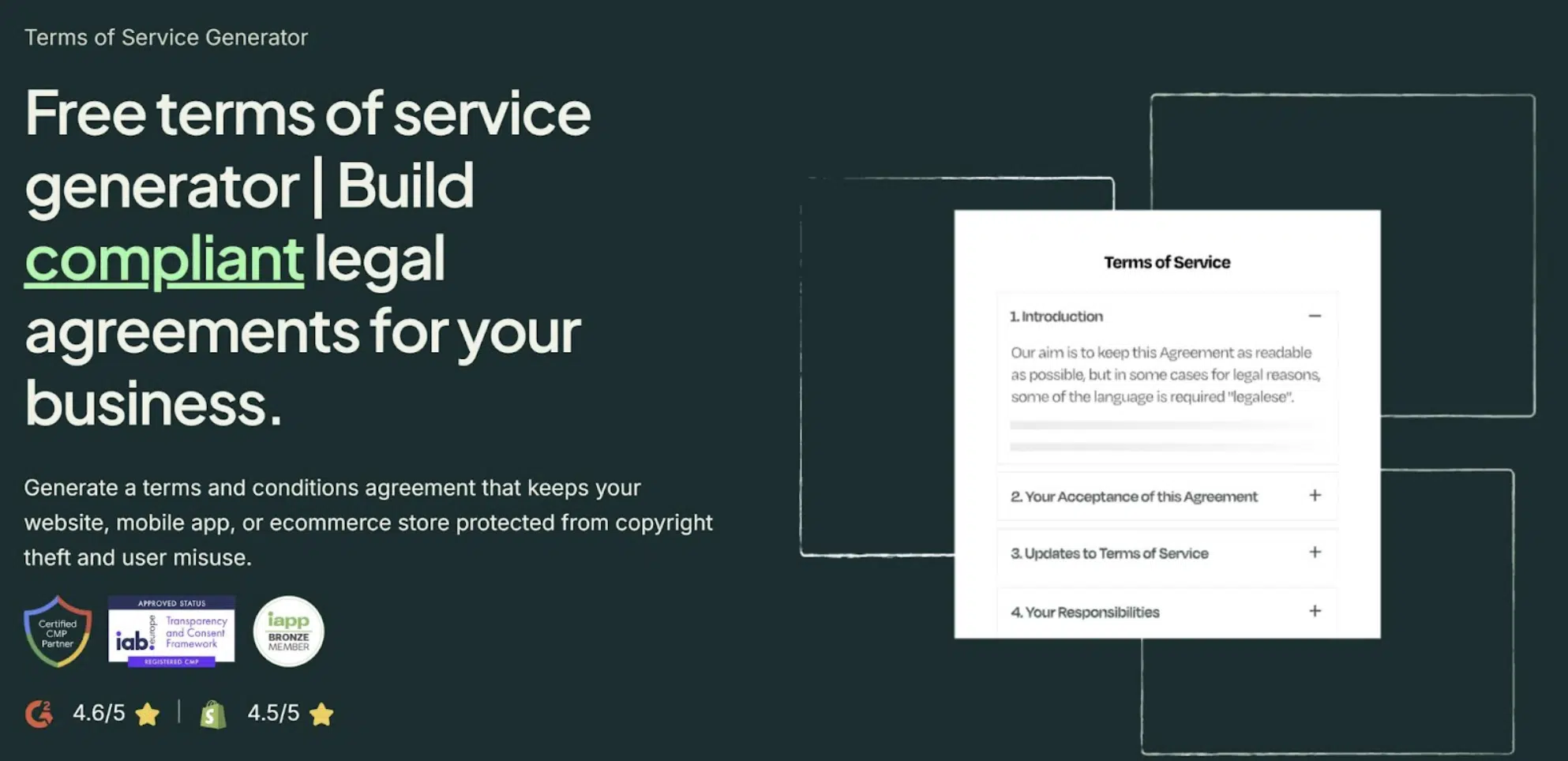
Enzuzo offers a terms and conditions generator aimed at e-commerce businesses. The platform combines legal document templates with consent and privacy tools, positioning itself as a lightweight compliance solution for online stores.
Best for
E-commerce businesses that want a template-based terms and conditions generator integrated with their website platform.
Pros
- Multi-language support
- Updates templates if regulations change
- Available on WordPress and Shopify
- Comes with the backing of legal professionals
- Works with major platforms and website builders
Cons
- Relies heavily on templates rather than fully tailored clauses
- Requires a paid plan to access important clauses such as payments, user submissions, and dispute handling
- Requires a paid plan to edit and customize your terms or add additional languages
- Editing generated legal documents may require additional steps
- Offers limited customization compared to more advanced generators
- Some users report slow support response times
Pricing
- Limited free plan available for basic terms and conditions
- Paid plans start from $9/month, with additional clauses and customization features only available on upgraded tiers
What people say
Some users feel the platform is intuitive to use, but others mention that editing generated documents can require extra steps. Users also highlight problems with paid subscriptions and support.
4. Termly
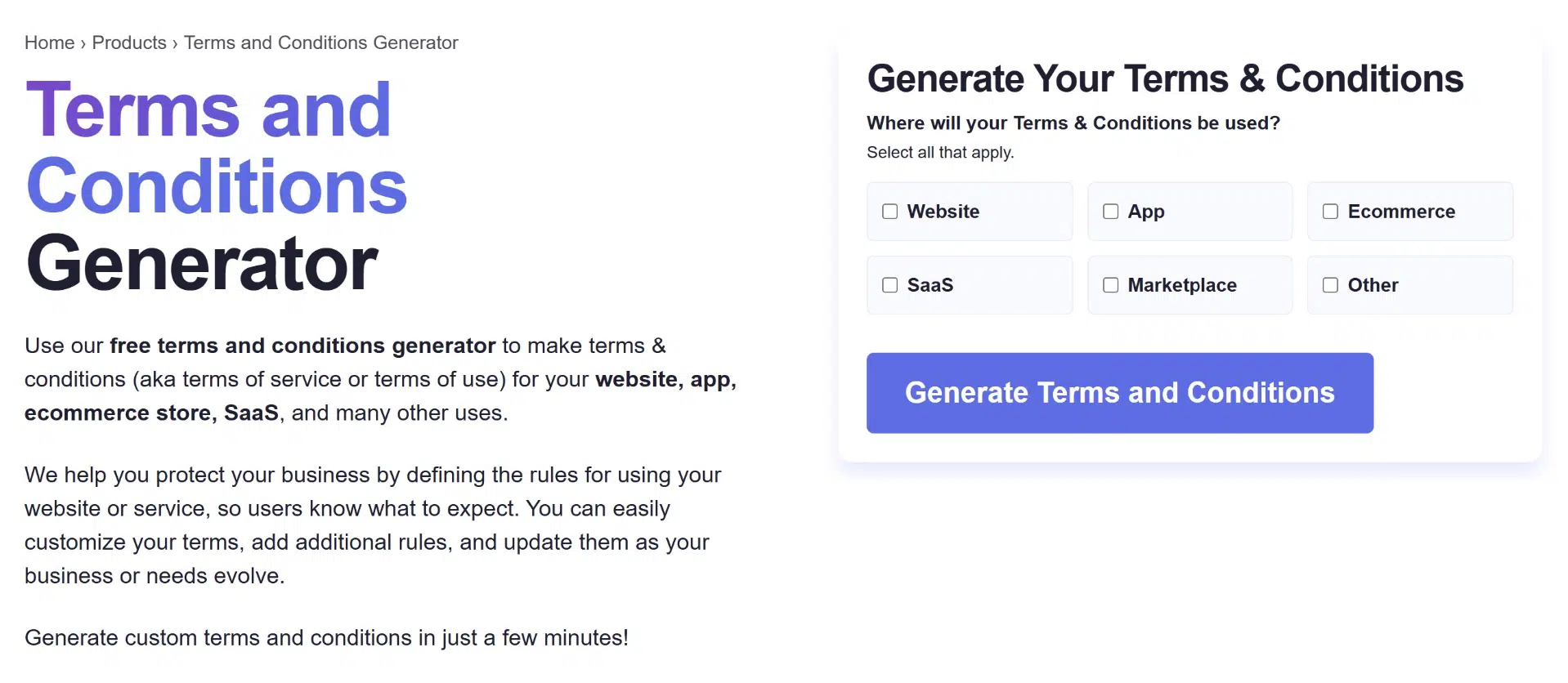
Termly provides a terms and conditions generator built around predefined templates. The platform focuses on simplicity, offering a guided questionnaire that helps users produce a basic legal document quickly.
Best for
Businesses that need a basic, template-based terms and conditions document and don’t require deep customization.
Pros
- Multi-language support
- Works for websites, mobile apps, and online stores
- Includes clauses for niche scenarios such as SMS marketing and contests
- Supports platforms including WordPress, Shopify, Wix, WooCommerce, and GoDaddy
- Step-by-step guided setup
- Clean and easy-to-navigate interface
Cons
- Policies rely heavily on templates which aren’t easily customizable
- Can negatively impact WordPress site performance
- Some users report slower support response times
- Heavily template-based, with limited flexibility for nuanced business models
- Legal document customization options are limited
Pricing
- Terms and conditions generator is free to use
What people say
While some users like the practical interface, others have expressed their frustration with the technical support team, limited customization, and occasional unreliability of the platform.
5. Shopify
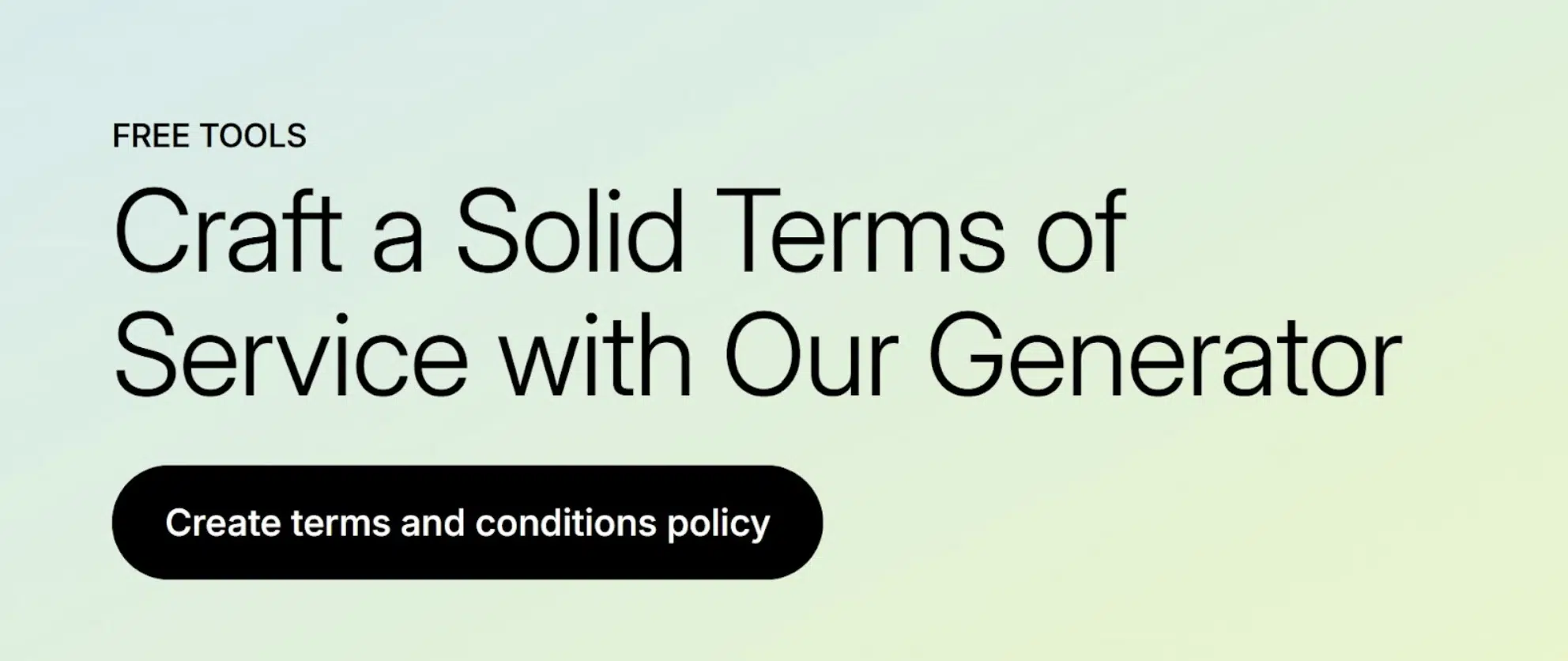
Shopify offers a built-in terms and conditions generator designed for merchants using its e-commerce platform. The tool provides a simple way to generate a policy quickly, particularly for store owners who want a starting point without leaving the Shopify ecosystem.
However, the generator functions primarily as a template tool rather than a fully tailored document builder.
Best for
E-commerce businesses that already operate on Shopify and want a basic starting point for their terms and conditions.
Pros
- Limited multi-language support for policy creation
- Legal experts have developed and reviewed the generator
- Includes suggestions to help you customize your terms
- Quick to generate, with the document delivered to your inbox within minutes
- Targets e-commerce use cases
- Convenient for Shopify store owners who want a simple setup
Cons
- Some users report slower support response times
- Relies on a generic template structure
- Requires manual editing to customize clauses
- Customization options may require legal expertise to use effectively
- Offers limited flexibility beyond standard e-commerce scenarios
Pricing
- Limited free trial with a duration that depends on your region
- Pricing starts from $5/month, though access to certain features depends on your subscription tier
What people say
While users like how the platform is easy to use, many have difficulties with in-depth customization and Shopify’s limited features. Shopify also has a 1 star rating on Trustpilot from over 1k reviews.
6. TermsFeed
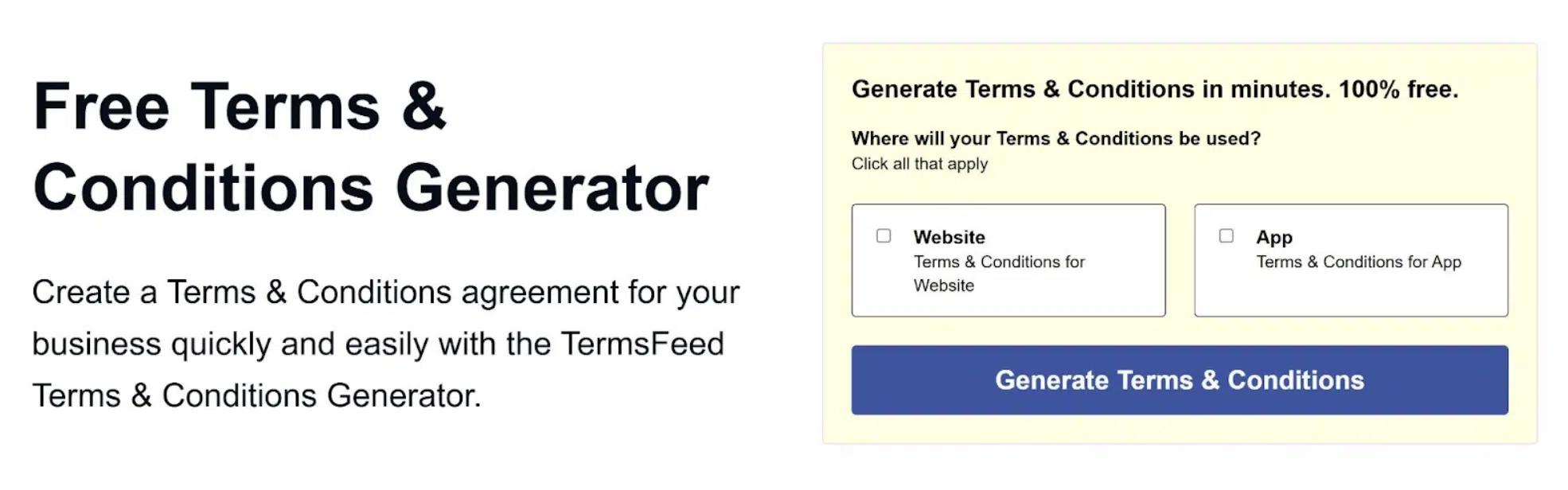
TermsFeed offers a template-based terms and conditions generator designed for websites and apps. The platform guides users through a questionnaire and produces a downloadable legal document based on their answers.
Best for
Websites and apps that need a basic, template-driven terms and conditions document.
Pros
- Download your terms and conditions in multiple formats
- Update your document using a Live Editor
- Receive notifications when laws change that may affect your terms
- Free hosting page available for your terms and conditions
- Quick to generate
Cons
- Places certain essential clauses behind a paywall, even when local regulations may require them
- Uses a pay-per-clause model that increases costs as you add necessary protections
- Some users have noted that generated content may not always match their specific business context
- Limited multi-language support
- Restricts editing unless you pay
Pricing
- Limited free plan available with option to purchase additional “premium” clauses at varying prices
What people say
Although the website suggests the generator is “100% free”, there are complaints about how that isn’t actually true. Users mention that it’s expensive for something they have to edit manually.
Frequently asked questions
What is the best terms and conditions generator?
The best generator depends on your business type and how much customization you need. Look for a solution that adapts to your business model, is backed by legal experts, and updates your documents as laws change. Transparent pricing and coverage beyond just T&Cs are also worth considering.
Do I really need terms and conditions?
Terms and conditions help protect your business by setting clear rules for how users interact with your website, app, or service. While not legally required in every jurisdiction, they can limit liability, protect intellectual property, and set expectations around payments, refunds, and disputes.
Can I use a free terms and conditions generator?
Several generators offer free plans, but they often come with limitations like fewer clauses, documents that don’t update as laws change, or restricted customization. For businesses that need a document tailored to their operations, a paid plan typically offers better coverage and ongoing legal support.
Choose terms that grow with your business
Clear terms and conditions protect revenue, reduce disputes, and give your business room to grow.
A basic terms and conditions template might help you publish something quickly. But as your products, pricing, and markets evolve, along with local regulations, your terms need to evolve too.
The best terms and conditions generators reflect how your business actually works, cover essential clauses without hidden gaps, and let you manage your document as a living agreement, rather than a one-off file.
If you want a solution built around real business models, backed by legal expertise, iubenda gives you that flexibility as part of an all-in-one digital compliance suite.
The bottom line? Start with terms that protect where your business is today and support where you’re going next.