
Documentation
Manage Cookie Consent Easily
The use of Cookies and similar technologies are governed by the ePrivacy Directive 2002/58/EC (or Cookie Law) which works alongside the GDPR.
Managing cookie consent comes with a few requirements. Our cookie consent management tool makes it super easy to meet these requirements in just a few clicks.
Here’s how it works:
- Click “scan”. Our solution autodetects services running on your site and suggests them for your privacy and cookie policies. Add them with a click
- Customize your banner & set up prior blocking. Our easy-to-use configurator lets you control the look and behavior of the cookie banner & solution. Add your logo, brand colors, block custom scripts, change banner text and behavior based on geo-location, and more.
- Embed & you’re done.
🚀 Ready? Try it yourself here risk free!
Want to see more? Here’s how easy it is to set up and customize with the Privacy Controls and Cookie Solution.
Want to learn more about ePrivacy and GDPR cookie requirements? Keep reading below.
- Manage Cookie Consent
- What does the ePrivacy & GDPR require?
- What should cookie consent include?
- Do I need to list the name of each cookie (including third-party cookies) used on our website?
- What constitutes valid active consent?
- Do I need to keep records of consent to cookies for each user?
- Cookie consent example
- How can you manage cookie consent
Update May 2020: The European Data Protection Board (EDPB) has updated its guidelines specifically related to recommended consent collection mechanisms. More on that here.
💡 What does the ePRivacy / Cookie Law require?
The Cookie Law requires users’ informed consent before storing or accessing information on user’s devices. This means that if your site/app (or any third-party service used by your site/app) uses cookies or similar technologies, you must:
- inform users about your data collection activities;
- give them the option to choose whether it’s allowed or not;
- obtain informed consent prior to the installation of those technologies.
Here are some of the most common questions regarding cookie consent management and their answers.
What should cookie consent include?
The process of collecting cookie consent includes clearly and explicitly informing the user of the cookies and similar technologies you run on your site/app, their purposes, the user’s right to grant or refuse consent, and how they can exercise that right.
The cookie consent must be informed, explicit, and given via an unambiguous opt-in action.
Specifically, you must:
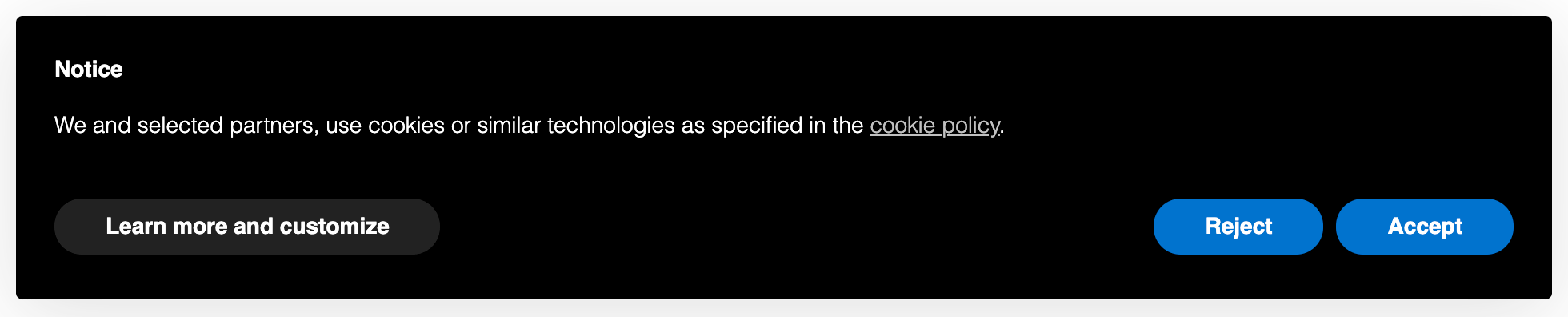
- display a clearly visible cookie banner/ notice at the user’s first visit (you can read what the banner should contain here);
- provide a link in the banner to a more detailed cookie policy;
- display a command to accept all cookies;
- display a command to reject all cookies;
- add a link to a dedicated area where users can make any granular choice as to the functionalities, the third parties and the categories of cookies to be installed;
- block all non-exempt cookies and scripts from being run until after consent is received;
Do I need to list the name of each cookie (including third-party cookies) used on our website?
No, the Cookie Law does not require that you list and name individual cookies. You are instead explicitly required to clearly state their type, purposes, and if they are third-party trackers, you shall also indicate the third party who is managing them and link to the relevant third-party privacy/cookie policy.
The Cookie Law does not require that you list and name individual cookies. However, you are required to clearly state their categories and purpose.
This decision by the Authority is likely deliberate as to require this would mean that individual website/app owners would have to constantly monitor every single third-party cookie, looking for changes that are outside of their control. This would be both unreasonable and likely unhelpful to the average user.
What constitutes valid active consent?
Active consent refers to consent that is based on the user being clearly and sufficiently informed of the purpose, categories and use of the cookies being used by your website, and that is indicated by an explicit affirmative action.
Subject to the local authority, these active behaviors may include continued browsing, clicking, scrolling the page or some method that requires the user to actively proceed.
This is somewhat left up to your discretion as according to the general guidelines no specific mechanism (e.g. checkboxes) is mentioned as mandatory: provided that your method facilitates active consent, however, it’s worth noting here the because the ePrivacy is, in fact, a Directive, the specifics of how requirements should be met are heavily dependent on individual Member State law.
For this reason, we give you the option to easily enable or disable the Privacy Controls and Cookie Solution’s “scroll to consent” feature should the particular Member State law require it.
? You can read more about active consent here.
Do I need to keep records of consent to cookies for each user?
The Cookie Law itself does not require that records of consent be kept, but instead indicates that you should be able to prove that consent occurred — even if that consent has been withdrawn. However it’s important to note that some EU Data Protection Authorities in alignment with the GDPR, now require that records of consent – rather than simply proof – be kept. If this applies to your particular situation, you will need to maintain valid records of consent.
? You can read more about records here.
Cookie consent example
Here’s an example of how cookie consent should be collected:

How iubenda can help you manage cookie consent
Our cookie management solution makes it easy to comply with the Cookie Law, allowing you to:
- inform users with a cookie banner that links to a comprehensive cookie policy (which is automatically linked to your privacy policy and integrates what’s necessary for Cookie Law compliance) and optional IAB consent management section;
- keep track of consent and save consent settings for each user for up to 12 months from the last site visit;
- store proofs of users’ preferences; and
- preventively block scripts prior to consent (with asynchronous activation after the consent is obtained, for a smooth user experience).
The Privacy Controls and Cookie Solution allows you to collect consent via multiple mechanisms including continued browsing, scrolling, and/or specific clicking actions. Keep in mind though that allowed consenting actions may differ depending on the Member State law.